A Breakdown of LangGraph vs OpenAI Agents SDK
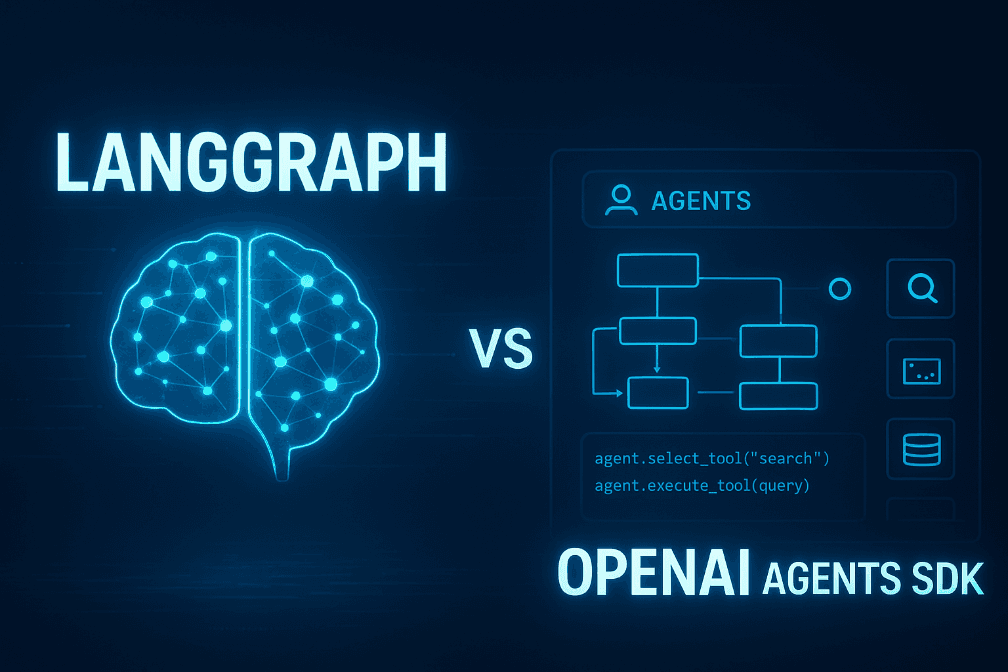
The world of “AI agents” is getting crowded, fast. Every week, there’s a new framework promising smarter automation, better orchestration, or more “autonomy.” But two names keep showing up in real production conversations: LangGraph and OpenAI Agents SDK
For a deeper foundation on how AI agents work — including planning, tool use, and practical workflows beyond SDK comparisons — check out our practical guide to AI agents .
If you’re building AI features, internal automation tools, or full-blown agentic systems , you’ve probably asked the same question everyone else is asking:
“Which one should we use?”
Here’s a practical, no-hype breakdown in plain language.
What These Two Actually Are
LangGraph
Think of LangGraph as the “workflow brain” of an AI system.
You design how your agents think, decide, pass information, wait, retry, escalate to a human, and continue.
It’s built for complex, stateful, multi-step work — and it doesn’t care where your model comes from. OpenAI, Anthropic, local LLM, your own fine-tune… all fair game.
OpenAI Agents SDK
This one is more like:
“Hey, you want an agent? Cool — here’s a simple way to wire up an AI model + tools + logic and get something working quickly.”
It sits on top of OpenAI’s Responses API and connects directly with their built-in tools (search, browsing, document retrieval, and Operator actions).
It’s lightweight, easy to start, and deeply integrated into the OpenAI ecosystem.
Where They Differ (Explained Like We’re Chatting Over Coffee)
1. Flexibility vs Convenience
- LangGraph:
Great if you want freedom.
You can mix models, define complex workflows, and control every detail.
It’s like building your own automation engine. - OpenAI Agents SDK:
Great if you want speed.
It’s super straightforward: define an agent, give it tools, and you’re up and running.
2. Complexity of Workflows
- LangGraph:
If your agent needs decision branches, memory, retries, or multiple agents talking to each other — LangGraph was built for this. - OpenAI SDK:
Works best with simpler flows that map nicely onto the Responses API and OpenAI’s built-in tools.
3. Vendor Lock-In
- LangGraph:
No lock-in. Use any model or multiple models. - OpenAI SDK:
Optimized intentionally for OpenAI.
If you’re planning to stay within their ecosystem, this is a non-issue.
4. Debugging Experience
- LangGraph:
You get visual graphs and detailed traces. Super helpful for complex setups. - OpenAI SDK:
Everything is in your OpenAI dashboard — clean and easy to follow.
While LangGraph and OpenAI Agents SDK cover many common agentic workflows, you may also be weighing other frameworks. For example, our comparison of LangChain, LlamaIndex, and OpenAI Agents SDK dives into different approaches for orchestrating agent workflows, managing data, and choosing the right tool for your use case.
Okay, So Which One Should You Actually Use?
Choose LangGraph if:
- Your workflows aren’t linear.
- You want multiple agents or toolchains working together.
- You need to plug in different LLMs for different tasks.
- You need human approval steps or durable state.
Choose OpenAI Agents SDK if:
- You want the fastest path to shipping something working.
- Your use case is straightforward but needs tool calling or web search.
- You’re already committed to the OpenAI stack.
- You don’t want to manage orchestration complexity yourself.
Some Real Examples to Make It Clear
LangGraph
- Multi-agent research assistant
- Customer support workflow that escalates to a human
- System that mixes OpenAI + Claude + local models
- Long-running tasks with memory and checkpoints
OpenAI Agents SDK
- A dashboard assistant inside your SaaS product
- A chatbot with browsing + document search built-in
- An internal tool that automates admin tasks
- Agents that need tight integration with the Responses API
If You Want the Honest Advice…
Most teams do this:
- Start with OpenAI Agents SDK to move fast
- Switch parts to LangGraph when the workflow becomes more complex or needs flexibility. It’s not an either/or — they solve different levels of the stack.
Final Thoughts
Both tools are excellent.
They just serve different purposes.
- LangGraph = control, flexibility, orchestration power
- OpenAI Agents SDK = speed, simplicity, built-in capabilities
If you’re unsure which direction to go, or want help mapping your use case to a concrete architecture, we can walk through it together.
Just click the “Book free consultation” button on our website — happy to brainstorm and help you choose the right approach.
Majid Sheikh is the CTO and Agentic AI Developer at Agents Arcade, specializing in agentic AI, RAG, FastAPI, and cloud-native DevOps systems.